Sandustry Wiki

Beginner Guide

Your complete walkthrough of Sandustry — from your first sand to a fully automated factory, covering the interface, logistics, refining and research.

Introduction

You've arrived on a vast unexplored planet filled with diverse biomes and beautiful landscapes — time to bring the fires of industry! From humble beginnings sifting gold from sand, you will quickly build a growing factory, unlocking powerful new technologies and production chains as you assess the viability of the planet for further industrialization.

Countless options lie before you — will you focus on developing more advanced processing and logistical capabilities across your rapidly-expanding factory? Will you take advantage of local wildlife to aid with your mission? Or will you prioritize the hunt for artifacts, spending valuable resources to unlock access to their benefits?

The planet awaits you, Prospector!
User Interface

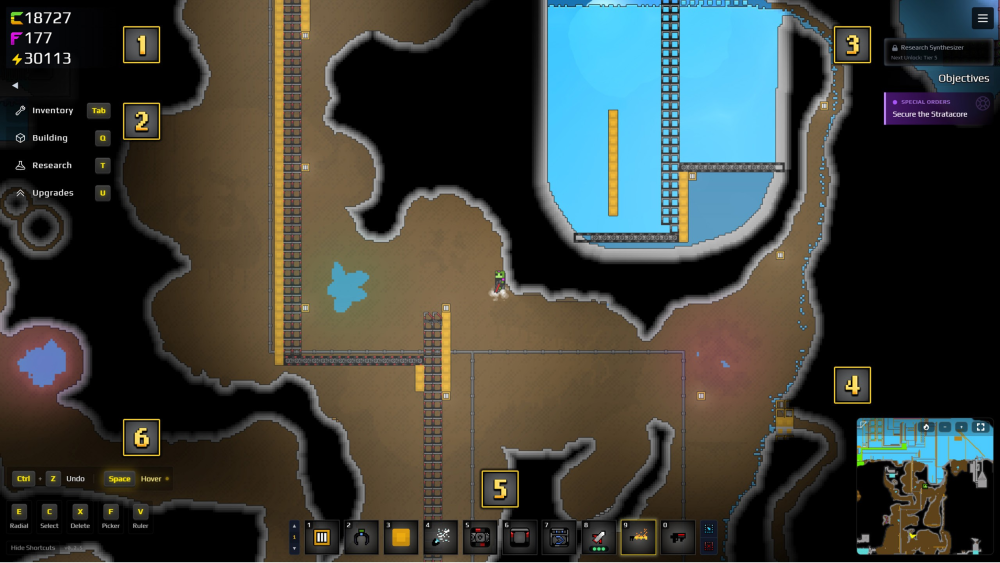
Sandustry user interface overview

There are various tools at your disposal at all times, so let's review them in order:

  1. 1Currency — various currencies needed to unlock new Research, Upgrades and Tool Utilization. Gold unlocks Research; Fluxite unlocks Inventory upgrades; Energy powers late-game structures.
  2. 2Tab Reference — key shortcuts to access your tabbed content.
  3. 3Objectives — any current objectives provided to you. Note that objectives also have a yellow arrow in the Minimap to point you in the right direction.
  4. 4Minimap — provides a minimap of the world around you, allowing you to see beyond your main screen.
  5. 5Hotbar — there are ten hotbars, each with ten slots for Inventory and Building items. Press Alt + Hotbar Number to jump to a hotbar, or hold Alt + Mouse Scroll to cycle between them.
  6. 6Shortcuts — key bindings for building infrastructure and hotkey items, such as copy/paste, selecting structures, moving them, or replacing a structure with something else.

Logistics and Transportation

Sandustry logistics and transportation

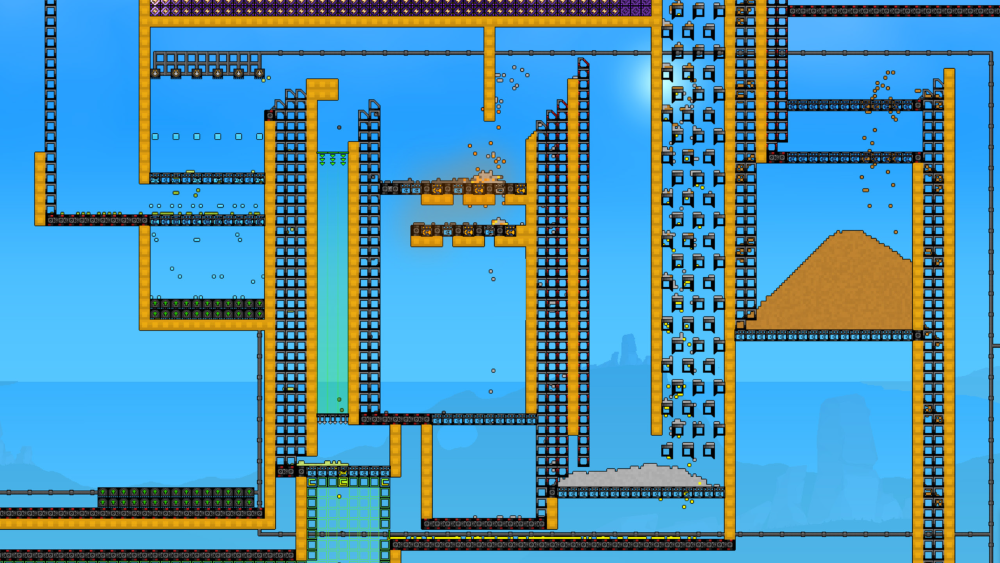
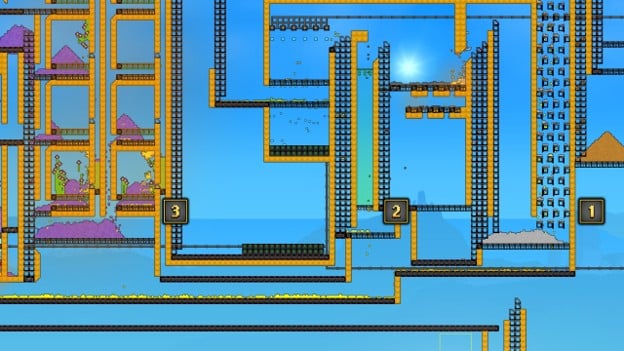
A key component of Sandustry involves efficiently moving large quantities of resources to their final destination — whether that's transporting Sand through its multiple refining methods, managing the logistics of multiple resources in a single pile, or transporting water from the deep so it can serve its various purposes. Note that all of these structures require no power to operate, and will continually run regardless of any resources present.

Conveyors and Launchers

Sandustry conveyor belts and launchers

Conveyor Belts and Launchers are the primary logistical tools for moving solid resources such as Sand, Residue, Cinder, Seeds and Amethelis, to name a few.

  • Conveyor Belts can only be placed horizontally, with the direction of the belt determined by the direction your mouse is dragging.
  • Launchers can be placed vertically and diagonally. The highest point of your launcher shaft is where resources are thrown out, with the drag direction determining whether resources are thrown left or right.
  • As you progress through the tech tree, you can unlock Mark 2 versions of both, drastically increasing the speed of resources moved and the velocity of resources thrown.

Filters

Sandustry filters

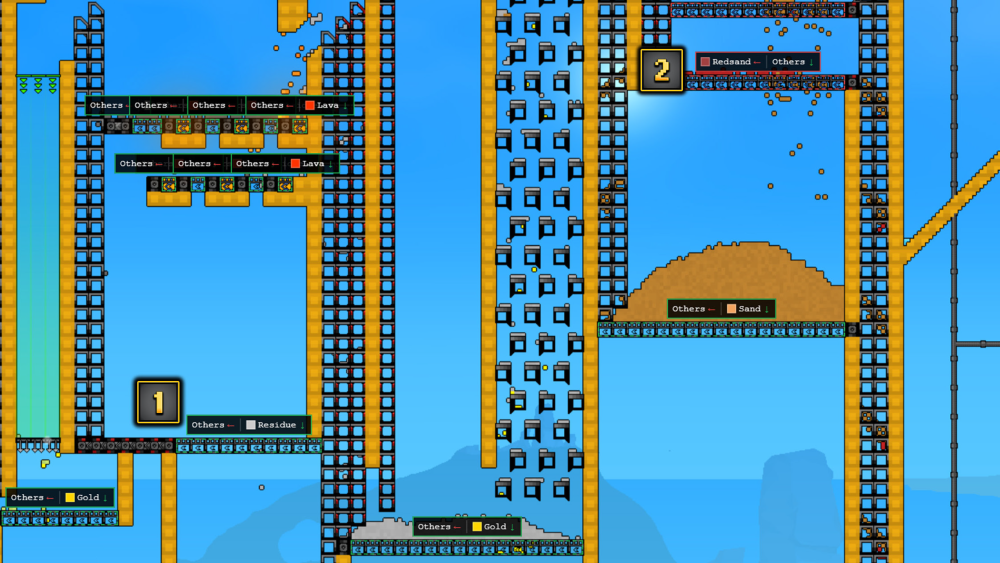
Filters allow you to sort Solid resources only, which is useful when you have a pile that contains multiple types all together. Filters have two settings you can use: Allow and Block.

  • The Allow setting permits a single resource to fall through the filter, but nothing else — for example, use Allow Gold to only let Gold through while moving all other resources down the track.
  • The Block setting permits all resources BUT the selected resource to fall through, such as blocking Redsand but allowing any other resources through.
  • Basic Filters only apply to a single Solid resource in both settings. To extract multiple materials, chain several filters in sequence.
  • Once unlocked, Advanced Filters can filter Solid, Liquid and Gas resources while still abiding by the Allow/Block settings and the single-resource rule.

Transporting Liquids

Sandustry liquid transport

You can move any Fluid besides lava using three parts:

  1. 1The Pump as your input device.
  2. 2A Liquid Vent as your output device.
  3. 3And connecting those with Pipes. As long as there is a Fluid at the level or above the Pump, and the Fluid level has not reached the Liquid Vent's level, said Fluid will continually pump.

You can use a single pipeline to transport multiple Fluid types, but you cannot filter what a Liquid Vent pumps out — it always prioritizes whichever Liquid is closest. It's good practice to separate Fluid lines as you build.

Production & Refining

Sandustry production and refining

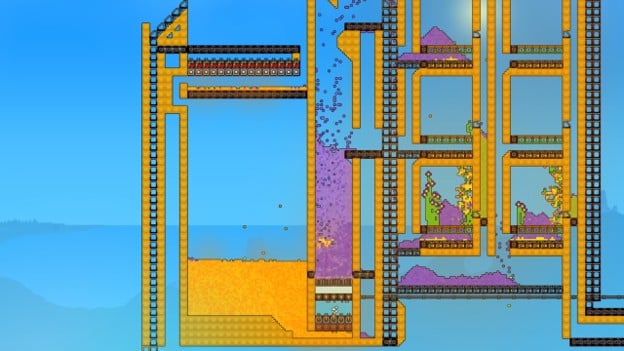
As you progress deeper into Sandustry, you will need to rely on more advanced production structures that refine resources through multiple stages to produce multiple other resources.

An early tip: the Material Scanner Upgrade for your Grabber lets you hover over a resource to learn more about how you could refine or use it in another process.

Gold Production

Sandustry gold production

Gold is essential for all Research, and three core structures refine resources into Gold:

  1. 1The Shaker
  2. 2The Kinetic Press
  3. 3The Planter Box

Each of these also produces a by-product that you will need for the next respective production method.

Refining

Sandustry refining with thermal structures

As mentioned, many resources require refining in order to create Gold or another by-product.

  • Using Thermal structures — both hot and cold — will refine resources into another resource.
  • Heat Thermal structures will only refine a solid resource into a liquid, or a liquid into a gas.
  • A Cold Thermal structure will refine resources in the reverse order.

Research

Sandustry research tree

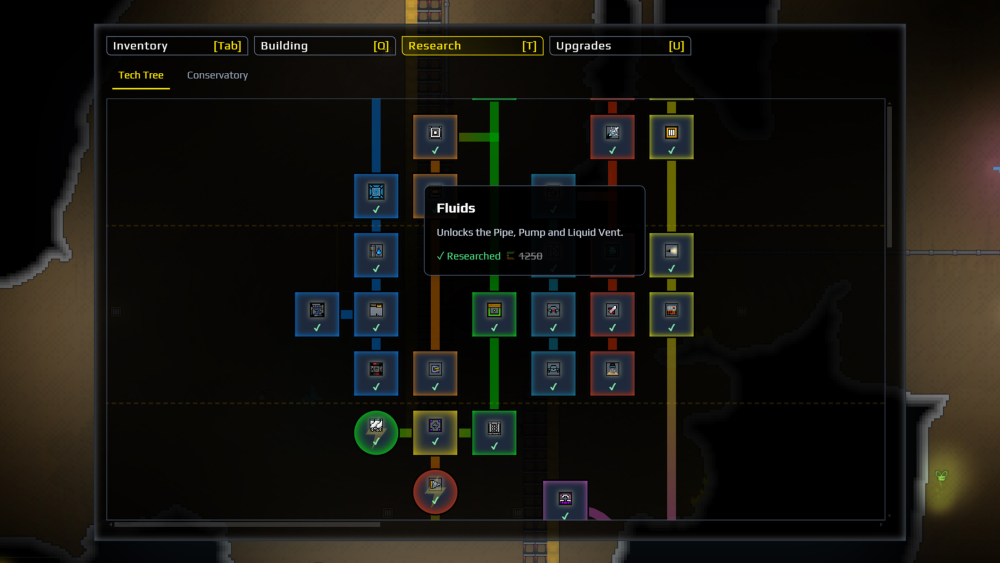
Research is your progression through the game, unlocking more structures and inventory items. Research is unlocked with Gold, with more advanced Research locked behind your Factory Level.

Your Factory Level represents tiered access to new tools, structures, and technology granted to you by your superiors based on reaching performance milestones. These milestones demonstrate your mastery of already granted systems along with growing intrigue at the resources and ancient ruins available on the planet.

Upgrades

Upgrades can be used to increase the abilities of various items in your Inventory, such as your Grabber, Flamethrower or Drones. These Upgrades cost Fluxite to unlock, which can be found naturally or produced using certain resources.

Augments

Sandustry augments

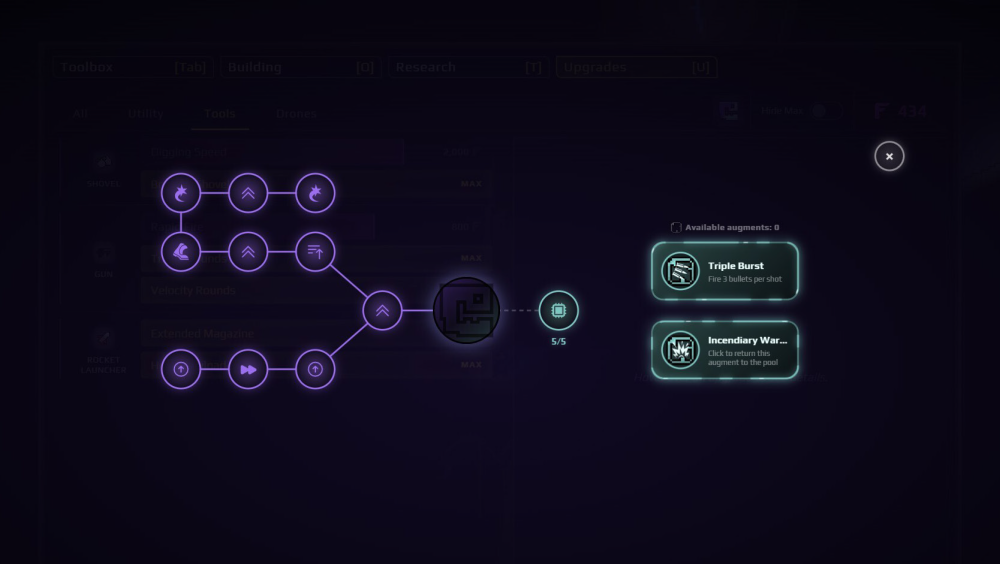
Scattered throughout the planet are Augments, which provide upgrades to your Utility items like the Gun, Rocket or Shovel, as well as your person — allowing you to move faster or extend your boost speed and duration.

Gameplay Tips & Tricks

  • Use the C key to select any structure you want to copy, then use CTRL+C to copy and CTRL+V to paste for faster construction of repeated systems.
  • A great early Fluxite investment is increasing the capacity and capabilities of your Grabber, as being able to manually move larger chunks of material is especially helpful in the early game.
  • The replace hotkey (default CTRL) is great for quickly readjusting things in your factory — especially handy once you unlock a better tier of conveyor belts and launchers.
  • Florinol batteries and power bricks are distinct sources of energy — the former uses dried Amethelis petals broken down into florin, the latter is made of copper molds filled with liquid copper.
  • Capturing creatures you discover with the Corraller is always a wise choice, as they can provide new sources of resources or processes for your factories. For example, enough Lumlings in a location can create a small but constant supply of water.
  • If you're having trouble moving a resource up efficiently, consider if it can be converted into another state of matter to make the process easier.
  • With the right creativity, some of the ruins the ancients have already dug out and shaped may serve as useful layouts to integrate into your factory.
  • When trying to isolate a byproduct on a busy factory line, filter blocks are your best friend.
  • Some puzzles left behind by the ancients may require a tool or resource you don't have yet — return later if stuck. However, trying to create a solid bridge across teleporter gaps using freezing or other methods is often useful.
  • If you end up trapped in a puzzle, use the unstuck command from the pause menu.
  • Some weapons are more effective against certain obstacles — a rocket launcher pales in comparison to a flamethrower against solid ice stalactites.
  • While extremely power-hungry to fire for long, the laser has incredible potential to tunnel through most obstacles in the surface layers.
  • Molten gold counts for two gold. When Gold backs up on your belts, melt it and move it with pipes instead of letting it clog the line.
  • Any damage to a battery recharges it — Gun, Shovel, Rocket Launcher or Flamethrower all work. A tiny lava pool at the bottom of the battery auto-reignites it whenever you spend Energy.
  • Copper produces Energy far more efficiently than Florinol. Once you unlock Smelters and the Copper Mold, switch your power generation over to copper.
  • A Condenser with Snow on top of it produces infinite renewable power — the Snow supplies constant cold with no manual feeding.
  • For renewable heat, build a large flat lava field and place Thermal Buffers one layer above it. The flame bits radiate Temperature without consuming the lava.
  • The Steam Turbine depletes Steam after one pass — stacking multiple turbines on the same Steam does nothing. Give each generator a fresh Steam source.
  • Don't confuse the creatures: Lumblings (blue) make water, Shinelets (glowing) make light, and the Red Weaver produces red sand while looking like part of the terrain.
  • The Grabber's Hydro Sponge upgrade lets you pick up liquids, including water and lava. It only works above ground.
  • The Volcanizer creates lava on demand with no caveats — once unlocked, it solves almost every heat problem in your factory.
  • The Synthesizer converts Florinol into Oricite at a heavy Energy cost. Oricite feeds a Shaker to produce Aura, the currency for late-game research.

FAQ

Frequently asked questions

Make Wet Sand by mixing Sand with Water, then process it on a Shaker. Gold falls out from the bottom of the Shaker while Residue is pushed off the top. The Shaker, Kinetic Press and Planter Box all refine resources into Gold.

Gold unlocks Research, Fluxite unlocks Inventory upgrades, and Energy powers late-game structures. They are not interchangeable — a factory must eventually support all three.

Use a Pump as input, a Liquid Vent as output, and connect them with Pipes. A single pipe can carry multiple liquids, but vents cannot filter — use dedicated pipes per liquid.

Freeze the lava (likely with the Cryoblaster) until it becomes solid cinder, mine it out with your shovel, move the cinder to the destination, then reignite it with a hot source like a flamethrower to convert it back into lava.